
File Types Explained: What to Use, When to Use It, and Why It Matters
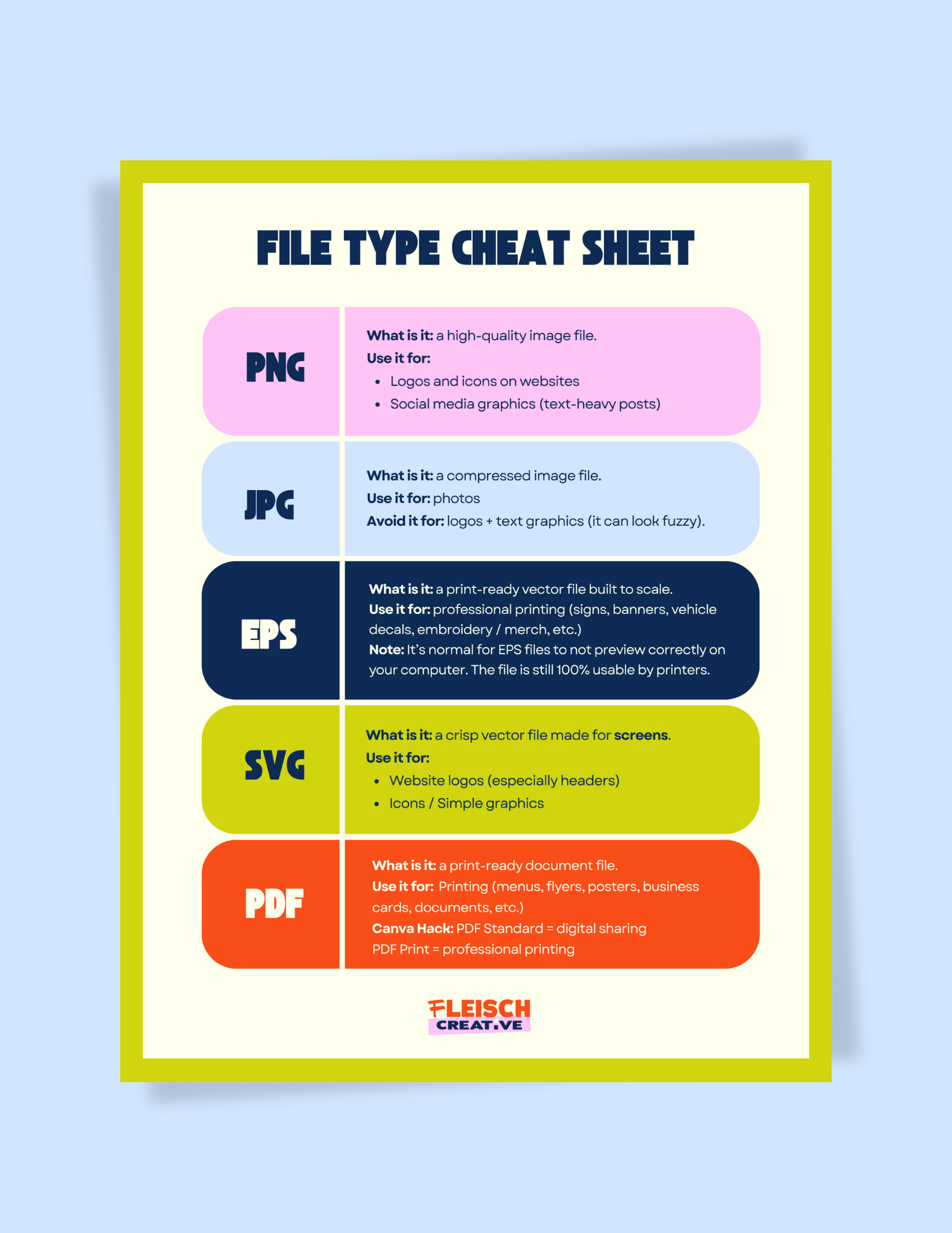
If you’ve ever Googled “PNG vs PDF,” “best file type for printing,” “why does my logo look blurry,” or “how to export from Canva for print,”
Welcome. 😊
You’re exactly who this post is for.
PNG, JPG, PDF, SVG, EPS… they all sound like alphabet soup, I get it. File types are one of the most important DIY design basics for small business owners, especially if you’re creating graphics in Canva, uploading images to your website, or sending marketing materials to print. The right file type keeps your visuals crisp and professional. The wrong one leads to pixelation, weird backgrounds, and prints that don’t match what you saw on your screen.
This post breaks down what each file type is for, and how to use them correctly so your brand looks professional across social media, your website, and anything you print.
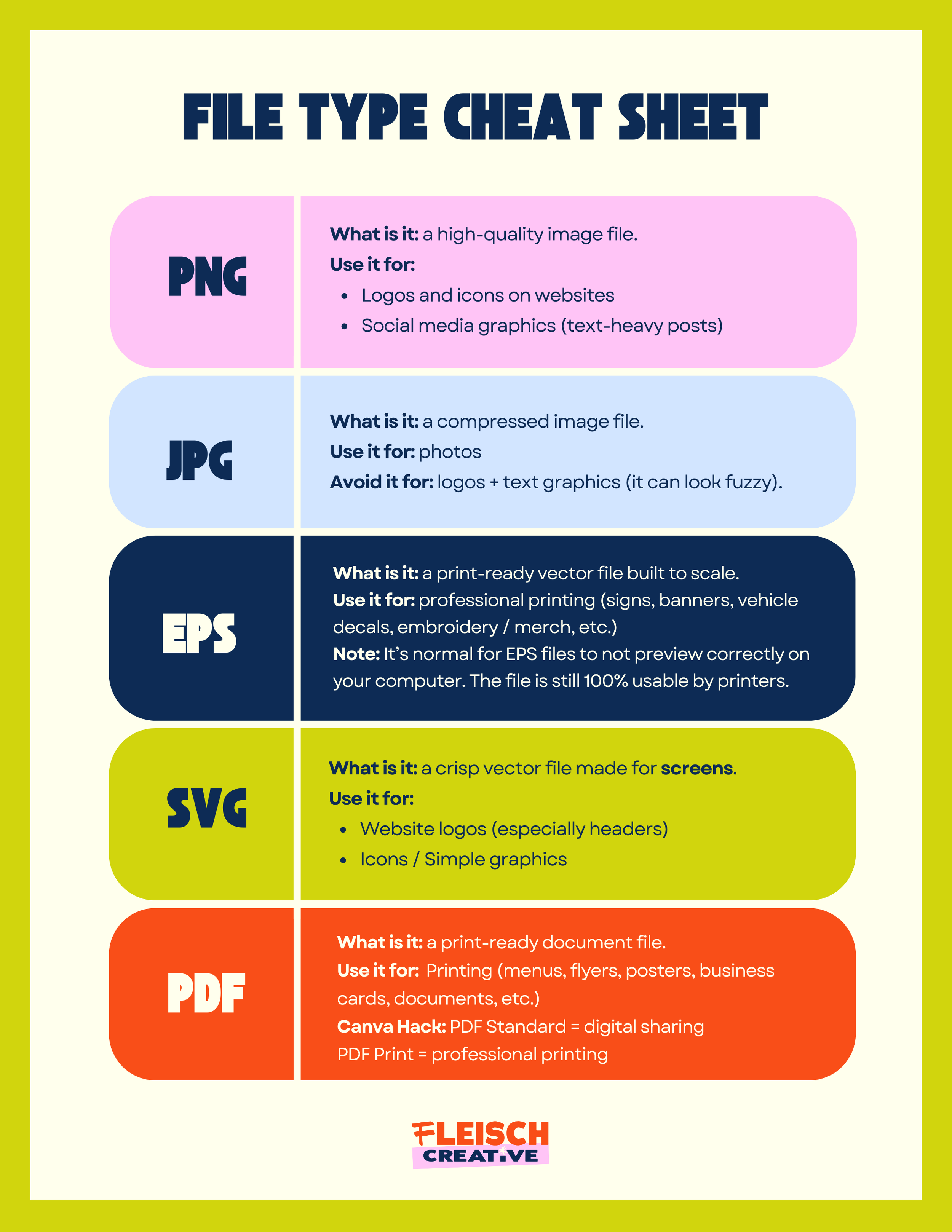
PNG:
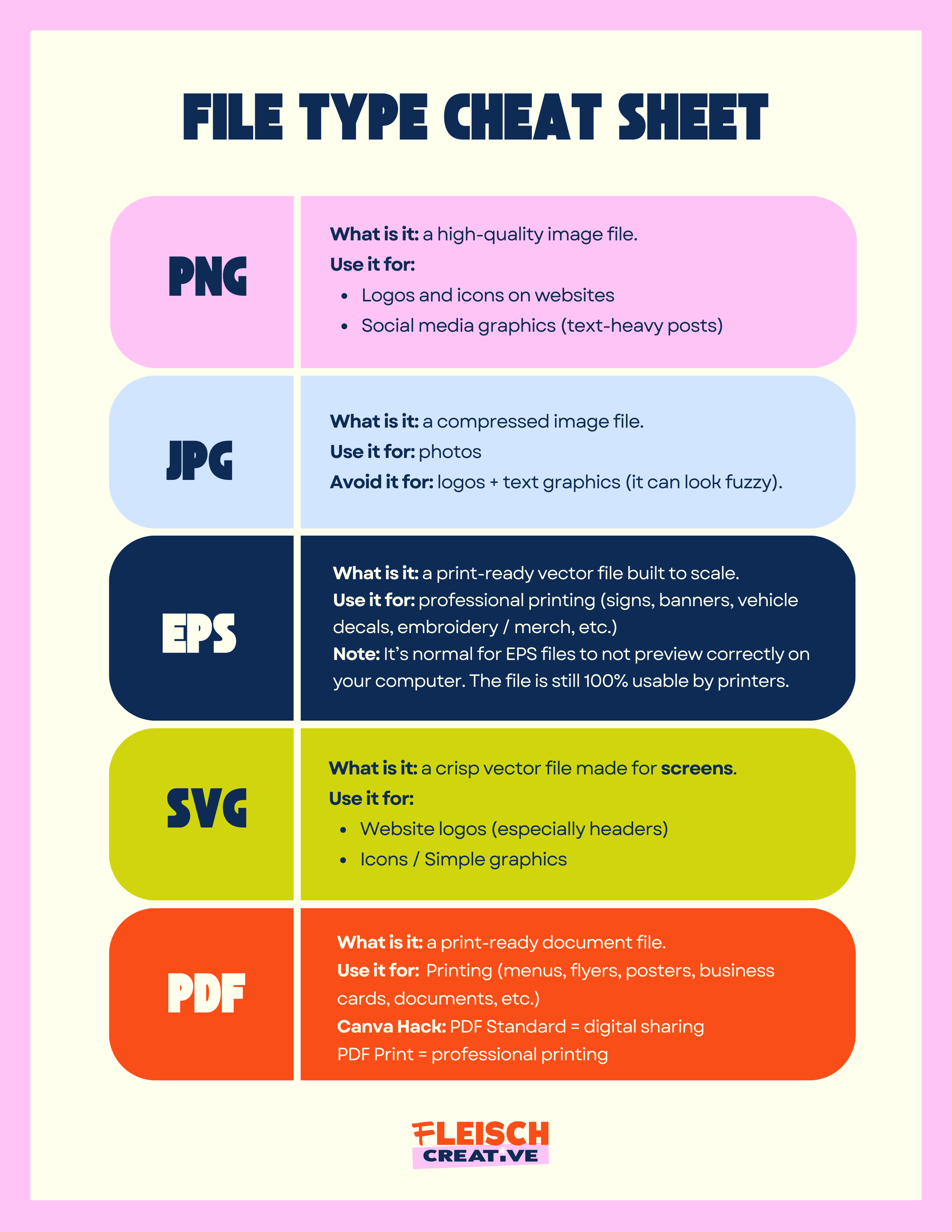
A PNG (Portable Network Graphic) is a high-quality image file that can support a transparent background. PNG is the file type you’ll use constantly if you’re creating content in Canva or posting on social media. (Best for crisp graphics + transparent backgrounds)
Use PNG for:
Logos on websites
Instagram graphics (especially text-heavy posts)
Canva designs (carousels, promos, announcements)
Placing your logo over photos or colored backgrounds
JPG
A JPG (Joint Photographic Experts Group) is a compressed image file.
Use JPG for:
Photography
Avoid JPG for:
Logos
Icons
Graphics with lots of text
Pro Tip:
JPG doesn’t support transparency, and compression can make edges look fuzzy. That’s why JPG logos often look slightly… crunchy.
If your design has text on it: PNG is the go-to.
A PDF (Portable Document Format) is a high-quality document format that keeps your design sharp and consistent when shared. (Best for printing + sending to vendors)
Use PDF for:
Menus
Flyers + posters
Business cards
Packaging layouts
Marketing materials you’re sending to a printer
Any time a vendor needs the “final file”
Quick tip for Canva Users:
Use PDF Standard for digital sharing and PDF Print is for printing.
SVG
A SVG (Scalable Vector Graphic) is a clean, scalable vector format that stays sharp at any screen size.
Use SVG for:
Website logos (especially in your header)
Icons
Simple graphics that need to stay crisp across devices
Pro Tip:
Most print vendors don’t want SVG files. So don’t send it to a printer unless they specifically ask for it.
EPS
An EPS (Encapsulated PostScript) is a print-ready vector file designed for production.
Use EPS for:
Signs + banners
Vehicle decals / wraps
Merch printing
Embroidery
Anything large format
Anytime a vendor asks for a vector file
Important note:
It’s normal for EPS files to not preview correctly on your computer. The file is still 100% usable by printers.
Download, Save, Share
Save this guide to Pinterest or download a print-ready PDF version below so you always know what to export, upload, or send.
